Richtig sitzen ist nicht nur eine Frage der Haltung, sondern vor allem eine Frage der richtigen Einstellung! Obwohl dein Bürostuhl einer der wichtigsten Begleiter in deinem Arbeitsalltag ist, wird die Bedeutung seiner optimalen Einstellung oft unterschätzt. Dabei ist ein richtig eingestellter Schreibtischstuhl entscheidend, um Schmerzen und Verspannungen am Arbeitsplatz effektiv vorzubeugen und langfristig zu vermeiden.
In diesem Artikel erfährst du Schritt für Schritt, wie du deinen Bürostuhl richtig einstellst, sodass er perfekt auf dich und deine individuellen Bedürfnisse abgestimmt ist.
Checkliste zur richtigen Einstellung deines Bürostuhls
- Bewegliche Rückenlehne
- Sitzfläche maximal ausnutzen
- Oberschenkel sind Richtung Knie leicht abfallend
- Füße flach auf dem Boden
- Knie sind mind. in einem 90 Grad Winkel ausgerichtet
 Checkliste: Das solltest du beachten, wenn du deinen Schreibtischstuhl richtig einstellen willst.
Ergonomie klingt zwar kompliziert, ist aber eigentlich ganz einfach: Es geht darum, deinen Arbeitsplatz so einzurichten, dass er sich dir anpasst – und nicht umgekehrt. Der erste Schritt besteht dabei in der richten Einstellung deines Bürostuhls.
Noch mehr Ergonomie-Tipps findest du in unserem Leitfaden zur perfekten Ergonomie am Arbeitsplatz.
Schritt-für-Schritt Anleitung: Bürostuhl richtig einstellen
Hinsetzen - aber bitte richtig!
Folgende Punkte solltest du beim Einstellen deines Bürostuhls beachten:
1. Sitzhöhe
Oft ist die Sitzhöhe eines Bürostuhls zu niedrig eingestellt. So kommt es schnell dazu, dass eine ungesunde Rundrückenhaltung eingenommen wird, was zu Verspannungen und Rückenschmerzen führen kann.
Um die Sitzhöhe deines Bürostuhls also richtig einzustellen, solltest du zunächst darauf achten, dass deine Füße flach auf dem Boden stehen. Deine Knie sollten ungefähr einen 90-Grad-Winkel bilden oder sogar leicht darüber. Wenn deine Oberschenkel zu deinen Knien hin nun eine leicht abfallende Linie bilden, ist die Sitzhöhe deines Bürostuhls richtig eingestellt. So wird für eine gute Durchblutung gesorgt und verhindert, dass deine Oberschenkel eingeschnürt werden.
 Richtig Sitzen mit dem ergonomischen Bürostuhl Aeris Numo Task.
2. Sitzfläche und Sitztiefe
Setze dich so weit wie möglich nach hinten und nutze die gesamte Sitzfläche deines Bürostuhls voll aus. Dein Rücken soll die Rückenlehne wirklich spüren, um optimal von ihr unterstützt werden zu können. Dabei ist es wichtig, dass deine Knie frei bleiben. Wenn die Sitzkante in die Kniekehle drückt, kann deine Blutzirkulation beeinträchtigt werden - dann wird’s ganz schnell ganz unbequem.
Falls dein Schreibtischstuhl auch in der Sitztiefe verstellbar ist, solltest du bei der Einstellung unbedingt darauf achten, dass zwischen der Vorderkante des Sitzes und deiner Wade etwa eine Handbreit Platz bleibt.
3. Rückenlehne + Lordosenstütze
Das Wichtigste vorweg: Die Rückenlehne deines Bürostuhls sollte unbedingt beweglich sein. Das heißt, dass sie deinen Oberkörper beim Zurücklehnen dynamisch mitführt. Oftmals wird dazu tendiert, die Rückenlehne des Schreibtischstuhls zu hoch einzustellen, weil das zunächst bequemer erscheint.
Für eine optimale Unterstützung des Rückens ist in der Rückenlehne von Bürostühlen vermehrt eine sogenannte Lordosenstütze integriert. Diese erkennst du an der nach vorne gewölbten Ausbuchtung der Rückenlehne. Die Wölbung sollte genau im Bereich der unteren Lendenwirbel, ca. auf Höhe der Gürtellinie liegen. Der obere Beckenbereich sollte dabei immer Kontakt mit der Rückenlehne haben. So wird der Rücken bestmöglich stabilisiert und gleichzeitig dynamisches Sitzen ermöglicht.
Falls du beim Sitzen einen unangenehmen Druck im unteren Rücken verspürst, ist Nachjustieren angesagt!
TIPP:
Wann eine Lordosenstütze sinnvoll ist und wann du darauf verzichten kannst, kannst du hier nachlesen.
 Unser ergonomischer Bürostuhl Aeris 3Dee mit halbhoher Rückenlehne mit individuell einstellbarer Lordosenstütze eignet sich ideal für das bewusste Entspannen zwischendurch.
4. Armlehnen
Tatsächlich lassen sich viele Armlehnen bei traditionellen Bürostühlen gar nicht individuell einstellen. Ein großes Problem, da sich so das Risiko für einen krummen Rücken stark erhöht: Sind diese dann zu hoch, wandern deine Schultern Richtung Ohren und sorgen für Verspannungen. Sind sie zu niedrig, hängen die Arme durch und belasten den Schultergürtel… auch nicht viel besser.
Sollten sich die Armlehnen deines Bürostuhls einstellen lassen, solltest du darauf achten, dass deine Unterarme mit den Ellbogen locker aufliegen und zwischen Ober- und Unterarm ungefähr ein rechter Winkel entsteht. Keine spitzen Winkel bedeuten keine Marathon Sessions für deinen Nacken. Wenn die Armlehnen deines Stuhls auf der Höhe der Tischkante sind, hast du die perfekte Position gefunden. So kannst du bequem tippen, ohne dass deine Schultern verkrampfen.
Apropos Komfort: Die Breite der Armlehnen darf sich ruhig nach deinem Schultergürtel richten. Schließlich sitzen wir alle ein bisschen anders.
Keine Armlehnen, kein Problem
Armlehnen mögen gemütlich sein, in Wahrheit sind sie jedoch echte Gesundheitskiller, da sie deine Bewegungsfreiheit beim Sitzen ziemlich einschränken. Sie blockieren den Greifraum und halten dich auf Abstand zu deinem Schreibtisch, sodass man schnell dazu tendiert, eine ungesunde Haltung einzunehmen.
Das Resultat: Ein krummer Rücken und das Ende des aktiven, dynamischen Sitzens. Genau deshalb findest du bei Aeris Stühlen keine Armlehnen vor.
5. Kopfstütze
Eine Kopfstütze kann entweder den Übergang vom Hinterkopf zur oberen Halswirbelsäule (als Nackenstütze) oder den Hinterkopf direkt stützen – je nachdem, was sich für dich besser anfühlt. Wichtig ist dabei, dass dein Kopf möglichst gerade ist. Die Kopfstütze darf den Kopf weder nach hinten in den Nacken kippen noch nach vorne drücken. Bei Bürostühlen mit höhenverstellbarer Kopfstütze kannst du die Position individuell anpassen.
Um ehrlich zu sein: Für gewöhnliche Arbeit am PC brauchst du an deinem Bürostuhl eigentlich keine Kopfstütze, da dein Kopf sowieso aufrecht bleibt und in der Regel keinen Kontakt zur Stütze hat. Wirklich Sinn macht eine Kopfstütze vor allem bei Bürostühlen mit großem Neigungswinkel, wenn du dich zwischendurch richtig entspannt zurücklehnen willst.
Warum wir bei Aeris Stühlen bewusst auf viele Punkte verzichten
Keine Lehnen, kein Limit!
Bei unseren Aeris Stühlen wirst du schnell feststellen: Kopf- und Armlehnen? Fehlanzeige! Bei unserem Aeris Swopper setzen wir sogar noch einen drauf – der kommt ganz ohne Rückenlehne aus! Ganz nach dem Motto „Weniger ist mehr“ – und zwar mehr Bewegung!
Ohne Lehnen hast du Bewegungsfreiheit in alle Richtungen: Vor, zurück, seitwärts und sogar auf und ab. Das nennen wir bei Aeris dynamisches Sitzen, und genau das macht den Unterschied: Dein Körper bleibt in Bewegung, deine Muskulatur wird aktiviert, und Rückenschmerzen haben erst gar keine Chance.
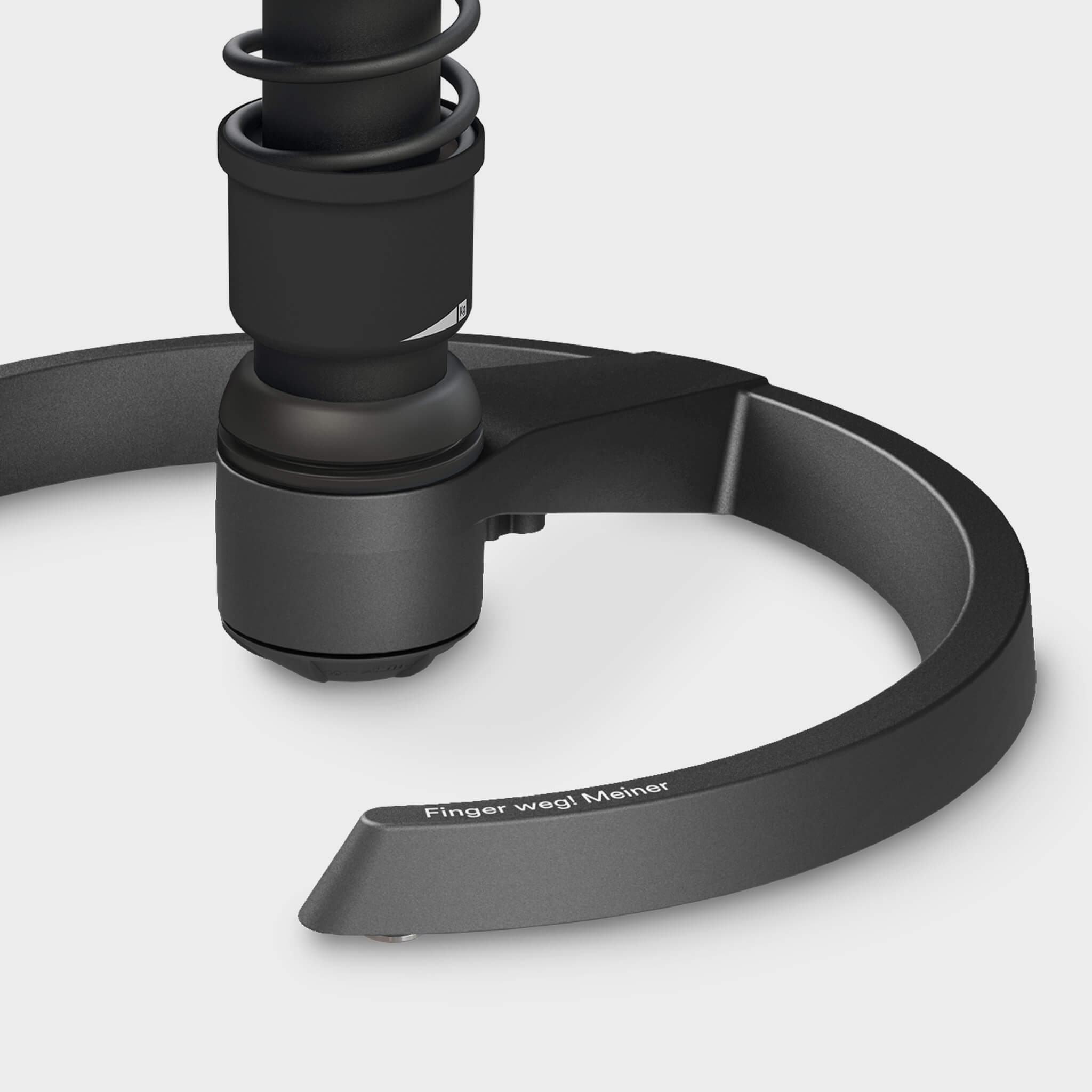
 Der Aeris Swopper ist individuell höhenverstellbar, und die Federspannung kann in ihrer Intensität angepasst werden.
Natürlich lassen sich auch unsere Aeris Stühle perfekt auf dich abstimmen:
Mit seinen vier Federbein-Varianten lässt sich der Aeris Swopper beispielsweise schon mal ideal an deine Größe, Gewicht und Tischhöhe anpassen. Danach geht’s ans Feintuning: Die Federspannung für das vertikale Schwingen und die seitliche Beweglichkeit stellst du so ein, wie es für dich am angenehmsten ist. Alle unsere Stühle sind außerdem stufenlos höhenverstellbar, sodass du stets im perfekten Winkel sitzen kannst.
Für alle, die sich etwas mehr Unterstützung beim Sitzen wünschen, haben wir Modelle wie den Bürostuhl Aeris Numo Task oder den 3Dee im Sortiment. Der Numo Task bietet eine ergonomisch mitschwingende Rückenlehne, während der 3Dee mit einer integrierten Lordosenstütze zusätzlichen Komfort liefert. Durch seine dreidimensionale Beweglichkeit ermöglicht er dir beim Sitzen trotzdem freie Bewegungen, ohne dass du auf den notwendigen Komfort verzichten musst.
Unsere Mission ist klar:
Wir wollen Bürostühle für alle schaffen, die gesundes und dynamisches Sitzen ermöglichen. In unserem breiten Portfolio haben wir für jede Anforderung die passende Lösung – damit wirklich jeder seinen perfekten Bürostuhl findet.
Du bist dir unsicher, welcher Stuhl am besten zu dir passt? Kein Problem! Unser Bürostuhl Guide hilft dir dabei, die Welt der Aeris Stühle kennenzulernen und die perfekte Wahl für deinen Arbeitsplatz zu treffen.
Weiterer Tipp: Probesitzen! Ob mit oder ohne Lehne, finde heraus, welcher Schreibtischstuhl am besten zu dir passt: Finde jetzt deinen nächstgelegenen Fachhändler